The 1 Application Every Maker Should Learn To Use For Better Builds
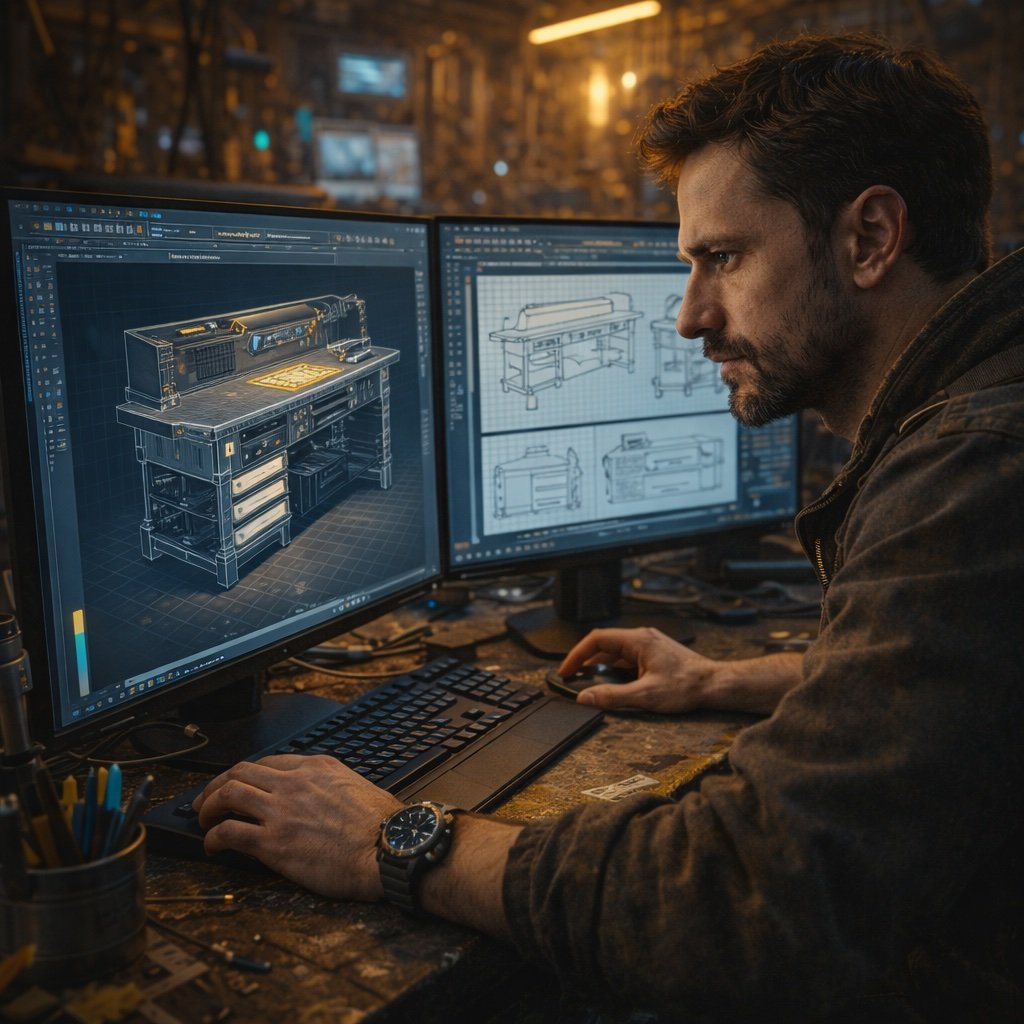
When I started Making things, I was building based on crude sketches with rough dimensions.
I had done 3D modeling at Georgia Tech, but that was all for video game design and I hadn’t thought about what would apply to Making things. Eventually, I saw someone on Instagram talking about SketchUp and started dabbling, but I wasn’t a huge fan of how things looked in it. Finally, another Maker mentioned this amazing application that looked great, had the features I was missing, and I’m so glad I downloaded it because it’s helped me visualize projects before ever purchasing material.
The application that helped me and I recommend every maker learn to use is Fusion 360.
What Is Fusion 360?
At its core, Fusion is a CAD (computer aided design) program that lets you build complex objects to scale.
One of my favorite features is how you can name parameters and give them a value, then use that value throughout your model. If you need to make a change to a parameter (like you realized you mid measured a space), when you update the parameter, the entire model updates to reflect it. You can also add specific materials to give you the look you’re going for, add moving parts to see how they work, and export drawings to print out and use in the shop—all for free!
Those features are just scratching the surface of all it is capable of doing, but I’m betting you’re more interested in specifically how it can help you, save time, and save money.
Fusion For Woodworking
Since Fusion models at scale, you can model entire rooms, then see exactly how a finished project will look in it.
Once you’re good with your design, you can duplicate all your components and lay them out in a cut list so you know how much material to buy. I have my home office modeled in Fusion so I can see what a project will look like in it and it’s helped me realize where I need to make changes to better fit the space.
Fusion For 3D Printing
If you have a 3D printer or want to get one, Fusion is the best way to model custom parts to print.
Using a set of digital calipers, you can take the real measurements for print constraints and model new objects around existing things (like cable clips for an odd chapel microphone arm). Plus, for more complicated parts, Fusion gives you finer control of splitting into multiple individual prints than the slicer will.
Fusion For Monetization
Everyone wants to rightfully make some money from their projects and if you pay for a Fusion license, you can sell model STLs for 3D printing or plans for woodworking.
I used Fusion to create the free plans available on my website and paid plans for other Makers. You’ll need to pair the model images with either Affinity Publisher (what I use) or Adobe InDesign to add text and create the PDF, but the combo lets you create assets you can give away or sell forever with almost no margin.